Box Tops for Education™
- 4.2
- Rating
- 1.00M
- Installs
- Free
- Price

 Analysis by App-foxy
Box Tops for Education™ is a shopping app with a very specific purpose: it turns eligible household purchases into support for participating schools. I see it as less of a traditional shopping companion and more of a small routine that can connect everyday grocery decisions with classroom funding. That focus makes it easy to understand, but it also means its usefulness depends heavily on whether the products you already buy fit the program and whether your school community can benefit from it.
The app comes from General Mills, Inc., and it is available free of charge for everyone. It has been on the market since September 6, 2016, and its audience is substantial, with more than a million installs. Its average score sits at 4.2 from roughly nineteen thousand ratings, alongside around ten thousand written reviews. Those figures suggest that the basic idea works for many families, although they should not be mistaken for a guarantee that every shopping trip will feel rewarding.
How Box Tops fits into an ordinary shopping routine
The central appeal is simple: instead of treating school fundraising as a separate event involving forms, catalogs, or occasional campaigns, the app brings the process into regular shopping. I find that appealing because it lowers the mental barrier. A parent can think about school support while planning groceries rather than waiting for a special fundraiser to arrive.
You May Also Like

 Blood Strike: 2.5 Anniversary
Blood Strike’s Loadouts Turn Every Drop Into a Tactical Gamble
A close look at Blood Strike’s custom loadouts: how fast access to signature weapons reshapes its battle royale rhythm, rewards preparation, and narrows the gap between fights.

 Pandora - Music & Podcasts
Pandora’s Music Is Easy to Start, but Harder to Recover
Pandora’s strength is its low-effort path from a seed to a station. Its weak spot is how much confidence it asks you to place in connection, setup, and quiet recovery.

 8 Ball Pool
 Is Built on Rivalries, Rematches, and Routine
A close look at the rivalries, rematches, shared routines, and unanswered safety questions that turn a quick pool match into a persistent mobile community.

 Samsung Music
’s Quiet Strength Is Playing What You Already Own
Its reach comes less from spectacle than from dependable access to a personal library. That simplicity is both the app’s strongest retention engine and its ceiling.

 AccuWeather: Weather Radar
AccuWeather Review: A Quick, Clear Forecast for Everyday Decisions
For everyday plans, the best forecast is the one you can understand quickly. AccuWeather makes rain timing, radar, and local conditions easy to act on, with a few trade-offs.

 Hill Climb Racing
Why Hill Climb Racing Still Turns Crashes Into One More Run
A tiny car, a bumpy hill and one more upgrade: Hill Climb Racing keeps resurfacing because its simple chaos makes every near-miss feel personal.
More From Our News Desk



In practice, the important habit is checking the app before buying, not after. The useful question is not simply whether a product belongs to a familiar brand. The better question is whether that particular item is currently eligible and connected to the school you want to support. That small change in routine prevents the common disappointment of assuming that any purchase from a recognizable manufacturer will automatically count.
This is where the app differs from a general shopping or coupon tool. A standard shopping app usually focuses on finding a lower price, comparing retailers, or organizing a list. Box Tops for Education™ focuses on directing value toward schools. It is therefore best understood as a purpose-built companion for grocery shoppers who want their normal purchases to have a community benefit.
I would not install it expecting a broad marketplace, a complete grocery planner, or a replacement for a retailer’s own loyalty program. Its role is narrower. That narrowness is actually a strength when your goal is school support, because the app does not need to compete with every shopping function. It only needs to make participation clear enough that you remember to use it.
The cost question is refreshingly straightforward
There is no purchase price to access the app. That matters because the value calculation is not about recovering a subscription fee or deciding whether premium tools justify a monthly charge. The financial commitment is free access; the real cost is your time, attention, and willingness to adjust how you shop.
That distinction is important. A free app can still be poor value if it creates too much checking, confusion, or follow-up work. In this case, I would judge it by whether the school-support process fits naturally into shopping you were already going to do. Buying extra items only to chase a benefit would change the equation, especially when the app’s purpose is to support schools rather than encourage unnecessary spending.
I also appreciate that the app’s value does not require treating it like a money-saving tool. It is not the same as a coupon application that promises an immediate reduction at checkout. The benefit is directed toward education, so someone deciding whether to use it should ask, “Will this make it easier for me to support a school?” rather than, “Will this lower my grocery bill?” Those are different kinds of value.
What the app delivers beyond its short description
The most useful result is convenience. School fundraising often fails because people forget, lose paper materials, or do not know which purchases qualify. Moving the process into an app gives the activity a place in the same digital environment many people already use while shopping. I find that easier to maintain than relying on memory alone.
A second benefit is visibility. A school-support program feels more concrete when you can interact with it through an account and a repeatable process instead of making an occasional donation and moving on. That can help families turn support into a habit. The effect is modest on any single trip, but repeated participation is where the idea makes sense.
There is also a useful psychological advantage: the app can make school fundraising feel less intrusive. Some people dislike selling products to friends, asking relatives for donations, or managing paper forms. A shopping-linked approach offers another route. You can contribute through purchases that are already part of your household routine, provided you follow the program’s requirements.
One non-obvious strength is that it encourages a more deliberate look at the products in your basket. I would use it as a reminder to distinguish between buying what I need and buying something merely because it might help. That makes the app most responsible when it complements a planned grocery list rather than driving the list.
A realistic family scenario
Imagine a parent preparing a weekly grocery order while also handling school messages and household errands. Instead of opening the app at random after shopping, the parent checks it while making the list. If a planned item qualifies, the family keeps the purchase as intended. If a similar item does not qualify, the parent can decide whether the original choice still makes more sense for taste, dietary needs, or price.
That last step is important. I would not let the app override a family’s actual needs. If a child requires a particular product, or if another option is more affordable, the school-support opportunity should remain secondary. The app works best when it adds value to a purchase already justified on its own.
After shopping, the parent can complete whatever confirmation process the app requests and check that the intended school is selected. The practical lesson is to build a short review into the routine: verify the item before buying, confirm the destination afterward, and avoid assuming that recognition of a brand is enough. That workflow is more reliable than treating the app as an automatic background reward.
Where the experience can become frustrating
The biggest tradeoff is that the app’s usefulness depends on eligibility. Your normal basket may contain few qualifying products, or the products you prefer may not be included at a given moment. That can make the experience feel inconsistent. A user who expects every grocery trip to produce meaningful school support may become disappointed quickly.
Another limitation is attention. The app asks you to participate actively enough to check products and keep the school destination in mind. People who want a completely passive system may find that effort irritating. Even when the app is free, remembering to open it and follow the process is still a form of cost.
I also see a potential conflict between fundraising goals and sensible shopping. If the app makes someone switch from a better-value product, a preferred dietary option, or a needed household staple solely to qualify, the tradeoff may not be worthwhile. School support is valuable, but it should not turn into pressure to spend differently without a clear reason.
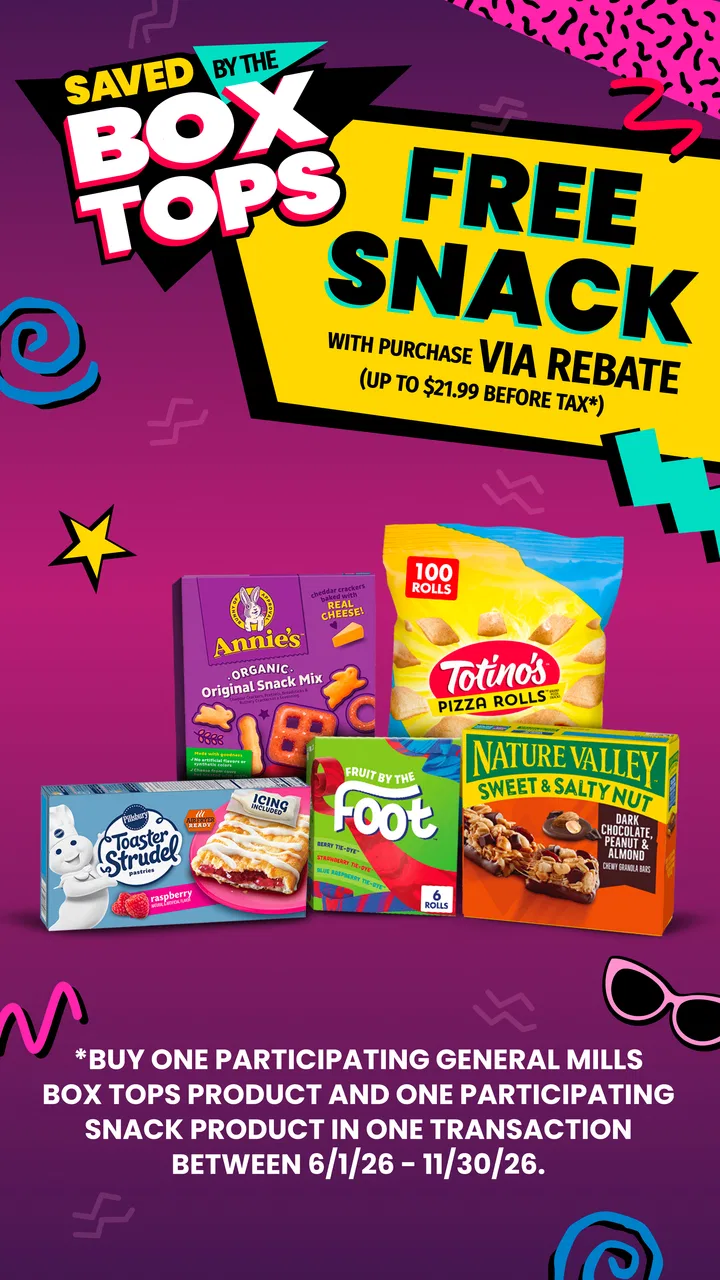
Compared with paper-based collection methods, the app is likely more convenient for people who already manage daily tasks on a phone. Compared with retailer rewards programs, however, it serves a different purpose. A retailer program may offer a direct discount or store credit, while Box Tops for Education is about school benefit. If your priority is immediate personal savings, a grocery loyalty app may be the better first choice. If your priority is supporting a school through ordinary purchases, this app has the more relevant focus.
Small habits that make participation more reliable
I would begin by choosing the school connection carefully and checking it before relying on the app. A few seconds spent confirming the destination can prevent the most frustrating mistake: completing the shopping process but directing the benefit somewhere other than the community you intended to help.
Next, I would check eligibility while planning, not while standing in a checkout line. Planning gives you time to compare the qualifying product with alternatives and decide calmly. It also prevents the app from turning into an impulse-shopping prompt. This is one of the most useful ways to preserve the difference between supporting a school and spending more than planned.
A third tip is to treat the app as part of a household checklist. I would place it alongside meal planning, grocery-list preparation, and checking store availability. That workflow is stronger than depending on a notification or hoping to remember after unpacking bags. The app’s value comes from consistency, and consistency usually comes from a fixed routine rather than enthusiasm on one particular day.
For families with more than one school-related connection, I would pay close attention to the selected destination each time circumstances change. A child may move schools, a household may support more than one student, or a caregiver may shop for another family. The safest approach is to verify the intended recipient before completing the relevant action instead of assuming the previous selection is still correct.
Who will get the most from it
This is a good fit for parents, guardians, teachers, and relatives who already buy participating grocery products and want a low-cost way to support a school. It is especially suitable for people who dislike traditional fundraising but are comfortable using a phone during shopping. The free access removes a major barrier, so the decision mainly comes down to whether the routine feels manageable.
It may also suit extended family members who want to contribute from outside the school’s immediate neighborhood. A grandparent or relative can participate through their own shopping habits rather than attending school events or handling fundraising materials. That makes the concept more flexible for families spread across different locations, although the school-selection step remains important.
Schools and communities can benefit most when many households use the app consistently rather than when one person makes occasional purchases. I would therefore view it as a group habit, not a personal rewards account. Its effect is easier to appreciate when several people coordinate around the same school and remember to use the process over time.
Who should probably skip it
I would skip it if you are looking for instant discounts, cash back for yourself, or a full-featured grocery comparison service. The app’s purpose is school support, so it is not the right replacement for tools designed around household savings. Installing it with the wrong expectation could make a useful program seem disappointing.
I would also be cautious if your shopping is tightly controlled by medical, dietary, cultural, or budget requirements. In those situations, product eligibility should never dictate what you buy. If qualifying options do not fit your household, it is perfectly reasonable to support the school in another way rather than force the app into your routine.
Finally, people who rarely shop for groceries or who do not want another task on their phone may not gain enough from it. Free access does not eliminate the need for attention. If you know you will not check eligibility or confirm the school connection, the app may simply become another unused icon.
Device expectations and ongoing maintenance
The current version is listed as 4.182.0 (2026082602), and the app requires Android or iOS 10 or newer. That minimum makes the operating-system requirement worth checking before installation, particularly if you are using an older phone that still handles other shopping apps. On a supported device, keeping the app updated is sensible because a shopping-linked program can change its product information and account flow over time.
The age rating is Everyone, which fits the app’s family and school-related purpose. Still, an Everyone rating does not mean every child should manage shopping accounts independently. In a household, I would keep the account and purchase decisions with the adult responsible for the grocery budget, while treating the school-support goal as something children can understand and participate in appropriately.
Because the developer is General Mills, Inc., some users may wonder whether the app is mainly useful for that company’s products. I would avoid making assumptions and simply check the app’s current eligibility information before shopping. The practical test is always whether the items you already intend to buy qualify, not whether a brand name feels familiar.
My value judgment after using it
I think the app succeeds when it stays in its lane. It is not trying to be a universal shopping assistant, and I would not rate it by the standards of a coupon wallet or price-comparison engine. Its job is to make school fundraising easier to incorporate into ordinary purchases. For that purpose, free access is a meaningful advantage because there is no paid threshold to overcome.
The tradeoff is that the benefit is indirect and dependent on participation. You do not install it and immediately receive a personal financial return. You need eligible purchases, a correctly selected school, and enough consistency for the small contributions to add up. That makes it more rewarding for community-minded shoppers than for people focused solely on their own checkout total.
My recommendation is to try it if you already shop for a family connected to a participating school and can spare a short planning step before buying. Use it alongside, not instead of, your normal grocery budgeting. If it fits naturally, it offers a thoughtful way to turn routine shopping into school support without an added purchase price.
If your main goal is saving money, choose a retailer loyalty tool or a dedicated coupon service first. If your goal is supporting education through purchases you would make anyway, Box Tops for Education™ is worth considering. I would call it a practical, purpose-specific app: not essential for every shopper, but genuinely useful when its school mission matches your household’s habits.
FAQs for Box Tops for Education™
01What is Box Tops for Education™ and how does it work?
Box Tops for Education™ is a fundraising program that helps participating schools earn money through everyday purchases. After creating an account, you select your school and scan eligible receipts with the app. The system identifies qualifying products and credits the earnings to your chosen school, so families can contribute without sending physical coupons to the classroom.
02How do I submit a receipt in the Box Tops for Education™ app?
To submit a receipt, open the app, sign in, and use the receipt-scanning feature after shopping. Make sure the receipt is clear, complete, and shows the store, purchase date, and eligible products. Receipts generally need to be submitted within the program’s stated time limit. The app may process the receipt automatically, although some submissions can require additional review.
03Which purchases qualify for Box Tops for Education™ earnings?
Eligibility depends on the products and promotions listed in the app, and not every item from a participating brand will qualify. Before shopping, check the current product offers or scan the in-app catalog to confirm details. Qualifying items can change over time, so relying on an old product list may result in a receipt earning less than expected.
04Can I use Box Tops for Education™ with digital or online receipts?
The program may support certain digital receipts and online shopping offers, but availability can depend on the retailer, purchase method, and current promotion rules. In the app, review the instructions for supported stores and connect any required accounts before buying. Keep order confirmations and digital receipts until your purchase has been successfully matched and credited.
05Is Box Tops for Education™ free, and is it safe to use?
Box Tops for Education™ is generally free to download and use, with no subscription required for standard receipt submissions. The app may request account details, receipt information, and permission to use your camera for scanning. Before registering, review the current privacy policy and permissions, and only download the official version from Google Play or the Apple App Store.
Pros
- Easy way to earn school donations from eligible purchases.
- Digital receipt scanning reduces the need to save paper receipts.
- Supports participating schools without requiring direct donations.
- App provides clear earning history and school contribution tracking.
- Available rewards can encourage families to shop with participating brands.
Cons
- Only selected products and retailers qualify for Box Tops earnings.
- Receipt uploads must usually be completed within the allowed time window.
- Earnings may be small compared with the effort required to scan receipts.
- Some purchases require linking a retailer account for automatic credit.
- Availability and eligible offers can vary by location and change frequently.

Box Tops for Education™
Gallery